Create. Design. Upload to Roblox.
Skins Generator for Roblox helps you design custom skins and upload them directly to your Roblox account. Edit, preview, and publish — all from your phone.
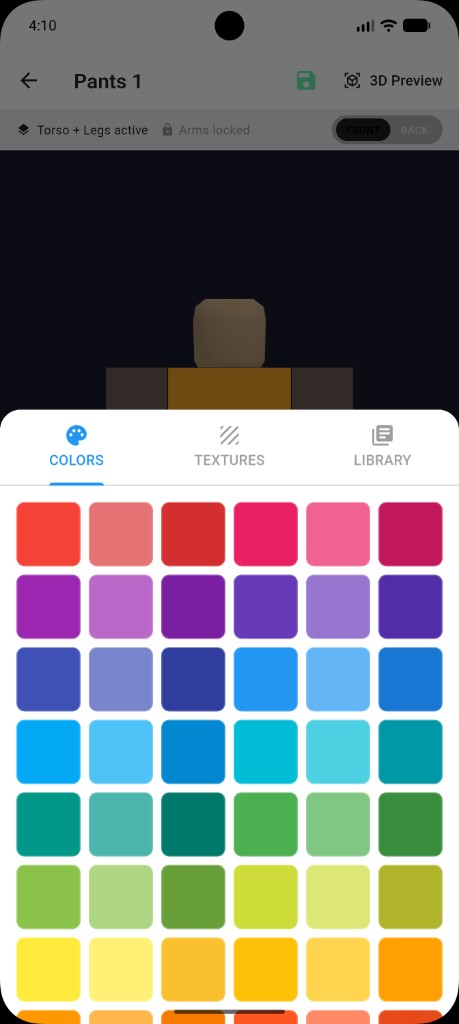
Colors
Upload checklist
App screenshots
Design tools & editor experience
Pick colors fast, switch to textures, and keep your workflow smooth.
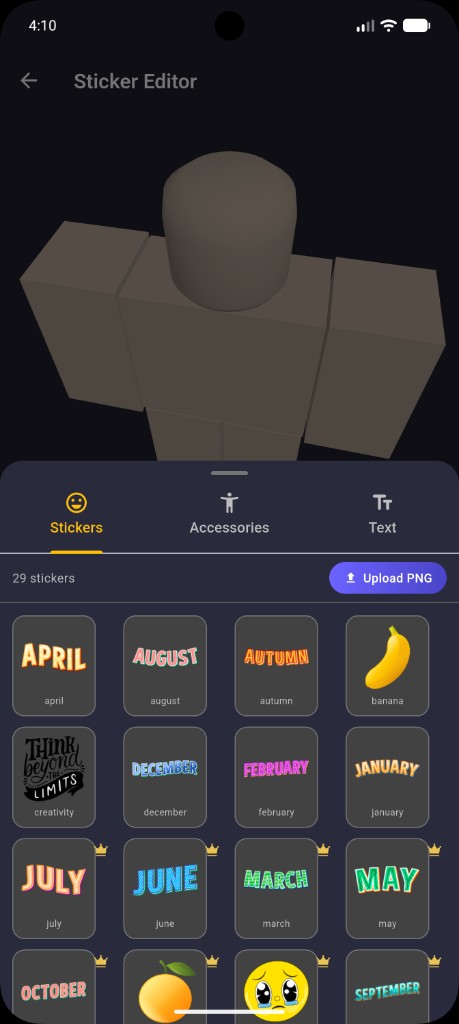
Add stickers, accessories, and text — and upload your own PNG assets.
Everything you need to make a skin
Fast tools, clean previews, simple publishingCreate skins with colors, patterns, and detailed edits. Make something original — then refine it with quick iteration.
Check your design before publishing so it looks right. Save versions and return to edits anytime.
Sign in with Roblox to access the inventory and upload your created clothing/skins directly to your account.
How it works
3 simple stepsStart from a blank template or your saved drafts, then build your design.
Authenticate with Roblox so the app can access your inventory and upload your item.
Publish your skin/clothing to your Roblox account (subject to Roblox’s rules and eligibility).
FAQ
Quick answersIs this app affiliated with Roblox?
No. Skins Generator for Roblox is an independent app. Roblox and all related marks are trademarks of Roblox Corporation.
What data does the app need from my Roblox account?
To enable uploading and inventory-related features, the app uses Roblox authentication and interacts with Roblox APIs to access relevant inventory/clothing data and perform uploads. See the Privacy Policy for details.
Do you show ads or offer in-app purchases?
Yes. The app may show ads via Google AdMob and offer in-app purchases. Details are in the Privacy Policy and Terms.
Review how ads, purchases, and Roblox integration are handled.
This landing page is informational. For legal details, read the full policy pages and ensure they match your exact implementation and store listing disclosures.